Connect
Connect model APIs, enterprise applications and tools that require integration.
Organize access, identity, policy, observability and optimization in one governance framework to understand and manage enterprise AI usage.
Who is using which models and agents?
What data can they access, and what actions can they take?
What resources were spent, and what work was completed?
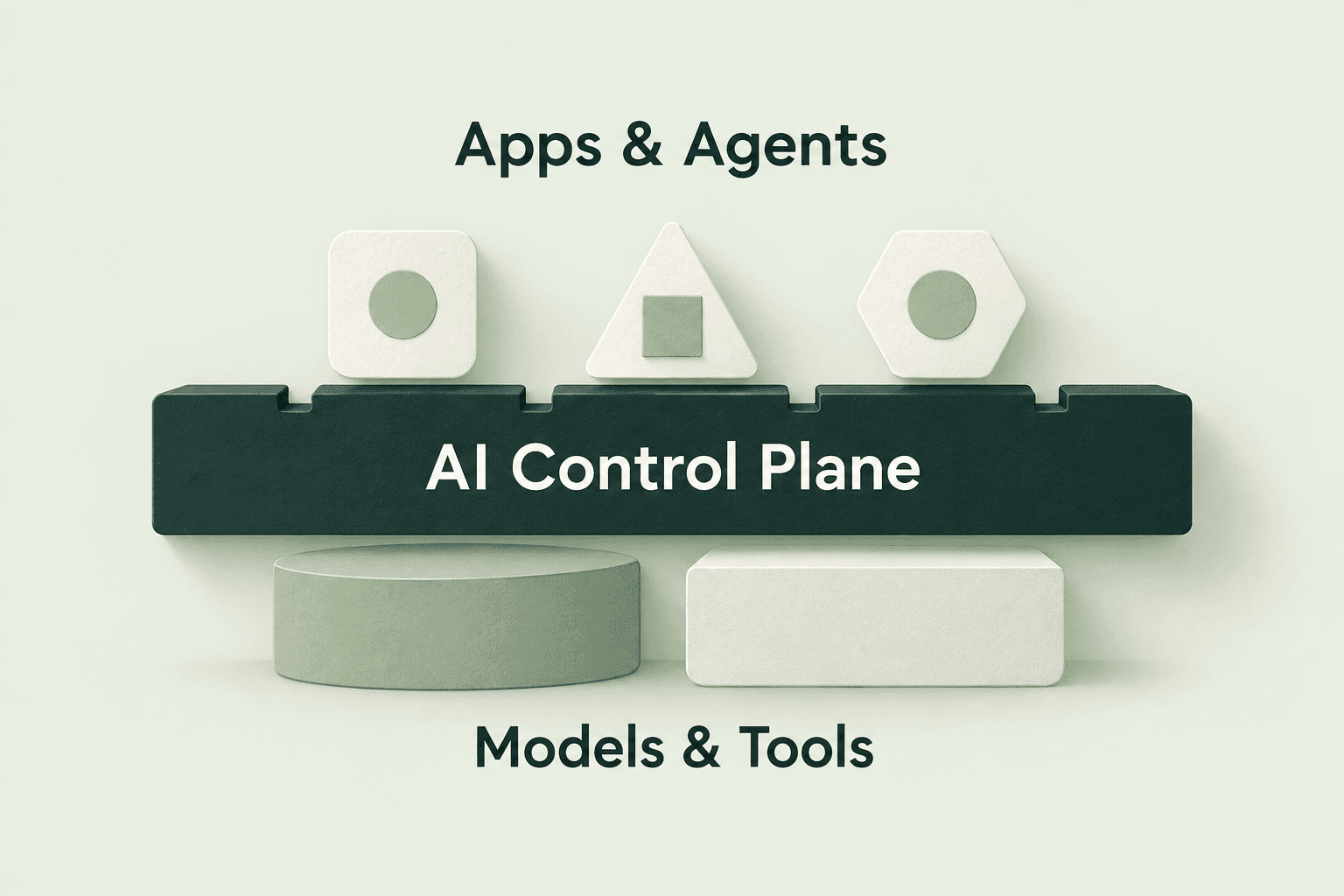
Link fragmented integrations, policies and records so managers can understand investment and outcomes for the same task.
Connect model APIs, enterprise applications and tools that require integration.
Identity, model permissions, budgets, data and execution policies.
Records of users, applications, tasks, model calls and exceptions.
Choose models by task difficulty and refine workflows using quality and outcome feedback.
Define where policies, requests, credentials and logs are handled for each deployment, with an explicit boundary for every connection.
Manage configuration and policy; define required metadata and synchronization in the solution design.
Parse and forward requests, with deployment planned for an intranet, VPC or agreed environment.
Define storage, access, rotation and content-retention scope.
Public-cloud models receive approved content. Bringing your own key does not make content invisible to intermediaries.
Follow an enterprise agent task from identity checks to outcome evaluation to see where each policy applies.
Confirm task identity, data scope and permitted outbound content.
Match difficulty, quality and budget within the allowed model set.
After the model proposes an action, the execution endpoint checks parameters, permissions and approval.
Record outputs, human intervention and failure reasons, then review against business criteria.
Turn resource tests and task evaluations into recommendations. Review, test and retest before updating production settings.
Collect quality, cost, latency, errors and task outcomes.
Identify oversized models, repeated steps and quality gaps.
Compare options on the same test set and expand only after meeting the quality threshold.
Keep policy versions and rollback paths for issues introduced by new settings.
Reuse existing models, applications and identity systems. Validate one scenario or governance capability, then expand.
Validate outcomes with X Worker and a digital workforce scenario.
Improve model usage through unified access and routing.
Define sensitive-data and tool-execution boundaries, then integrate control points.